v2.7.0 is out

Explore Pixivon every screen

PiPixiv is an open-source third-party Pixiv client written entirely in Compose Multiplatform. Illustrations, ugoira, manga and novels feel just as good on your phone, tablet and desktop.

  • Android
  • iOS
  • Windows
  • macOS
  • Linux
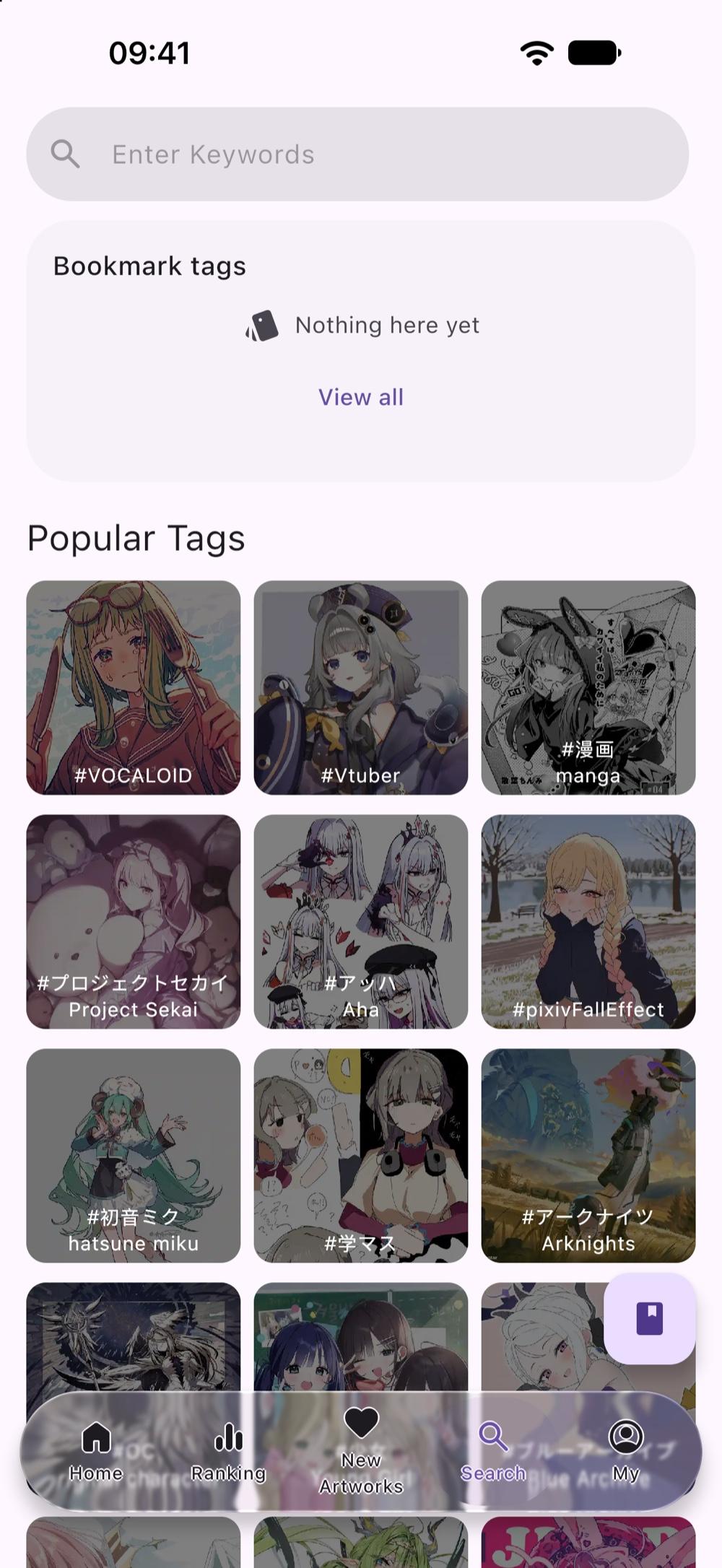
The search page with popular tags in PiPixiv
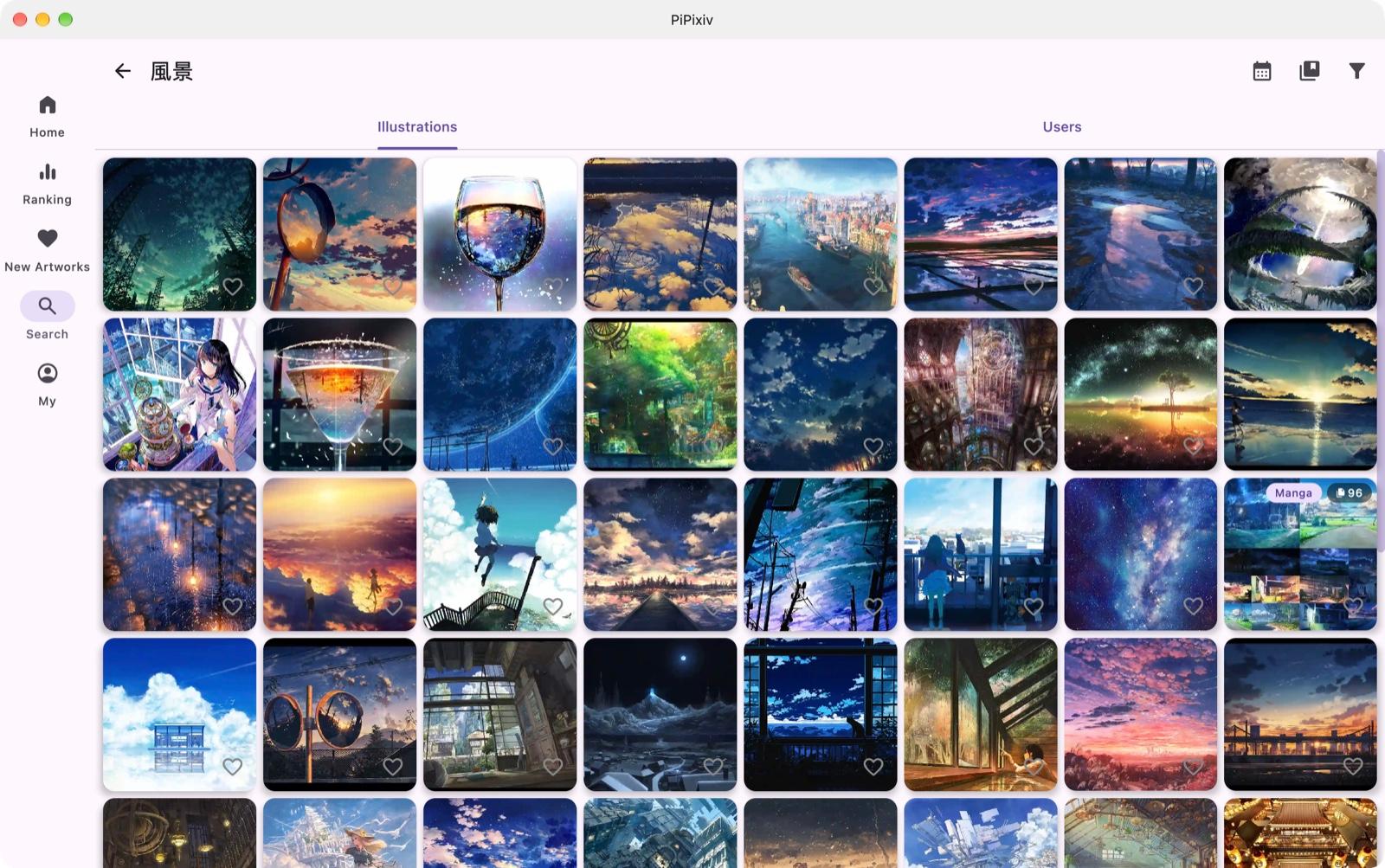
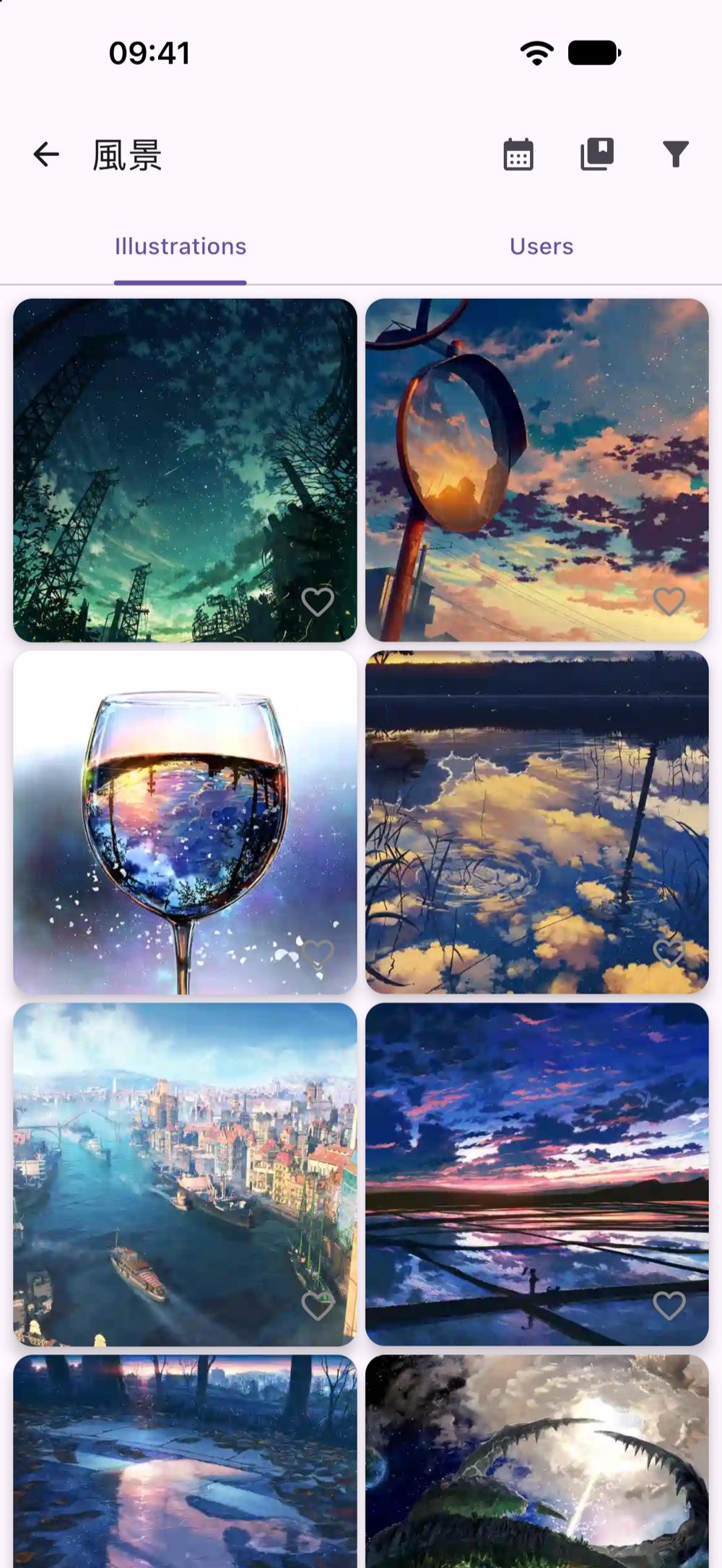
Search results for 風景 (landscape) in PiPixiv
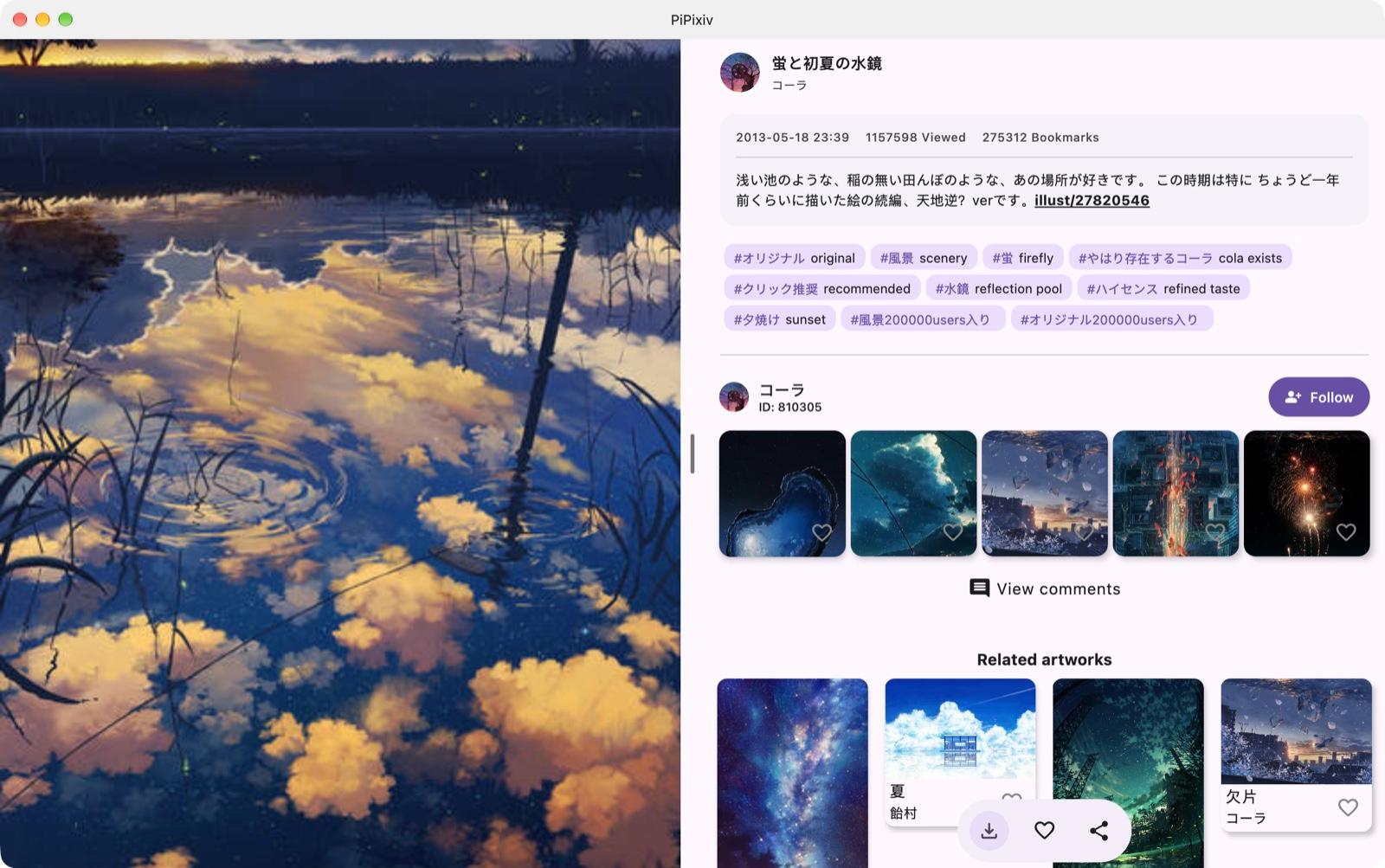
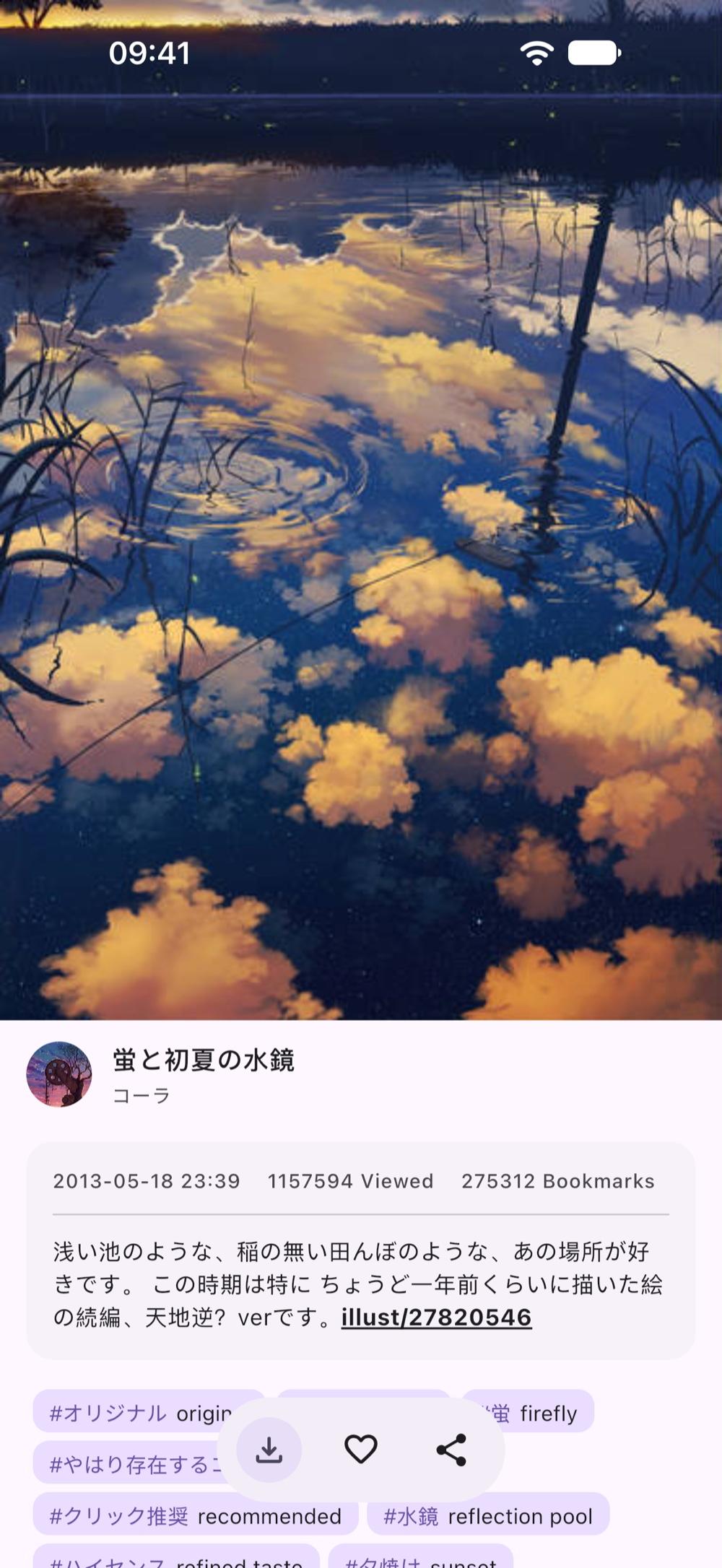
An artwork page in PiPixiv with the full image and tags
Ugoira animations
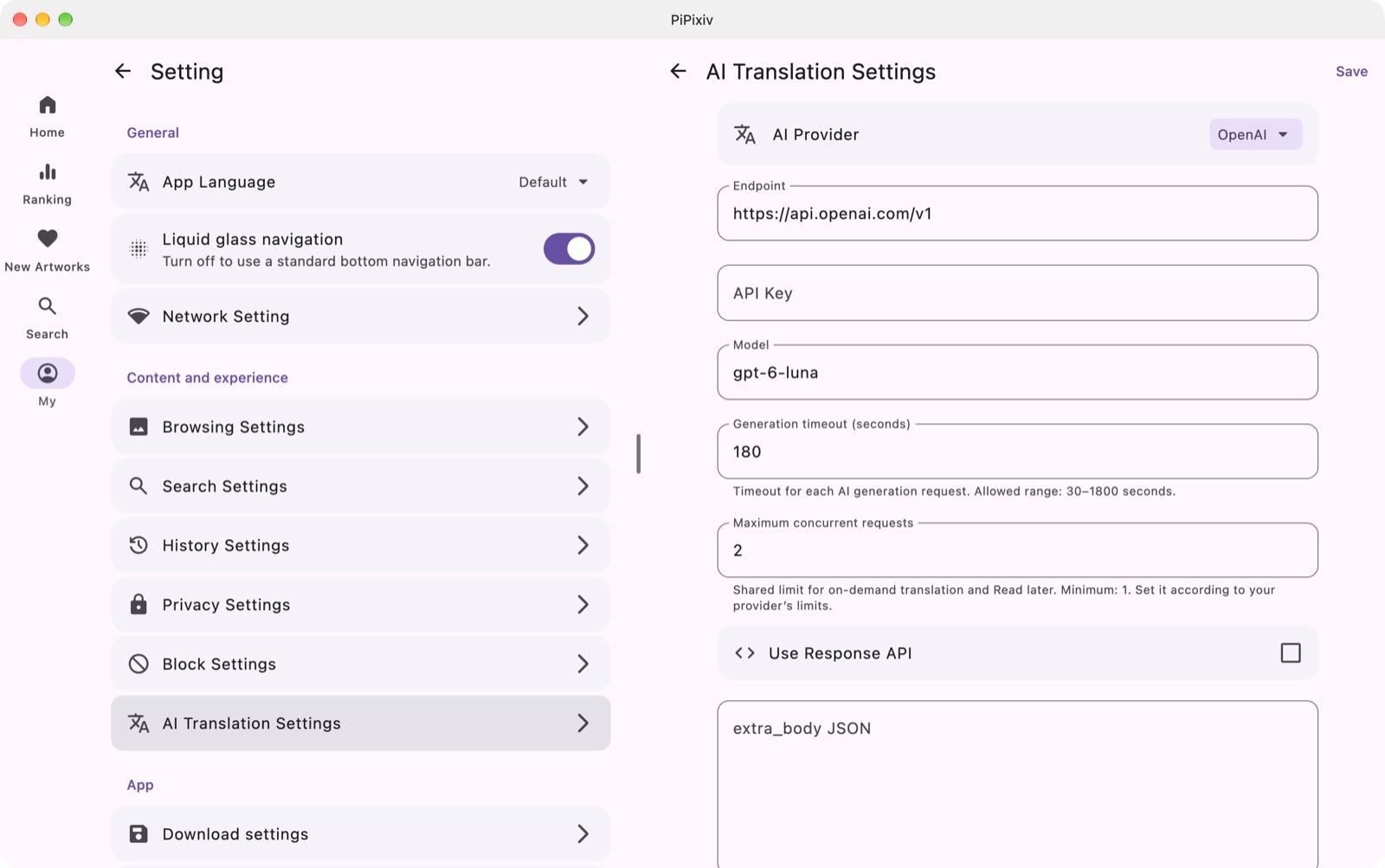
AI novel translation
Instant account switching
  • Illustrations
  • Manga
  • Novels
  • Ugoira
  • Rankings
  • Latest works
  • History
  • Read later
  • AI translation
  • Batch download
  • Bookmark tags
  • Comments
  • Multiple accounts
  • Cookie login
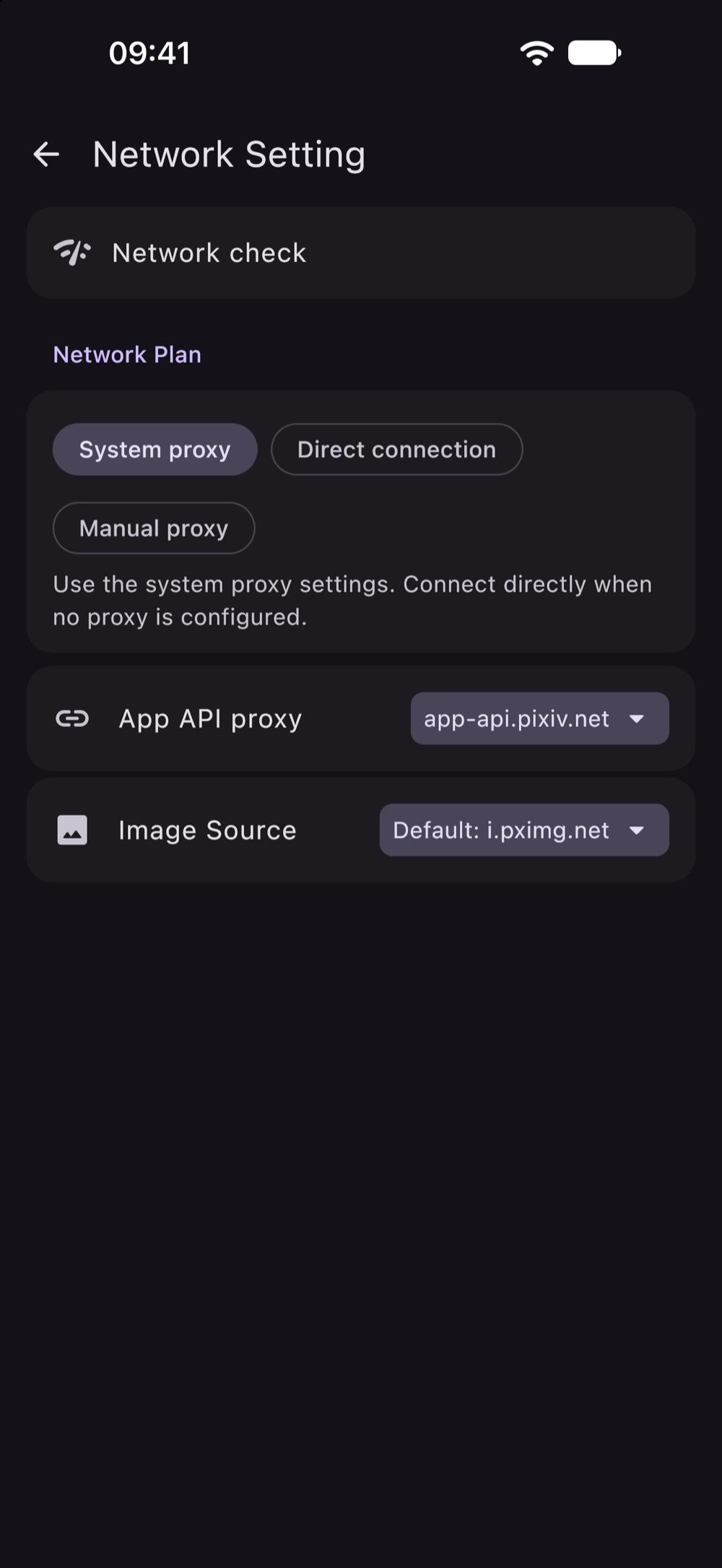
  • Network check
  • ECH
  • HTTP / SOCKS proxy
  • Dark mode
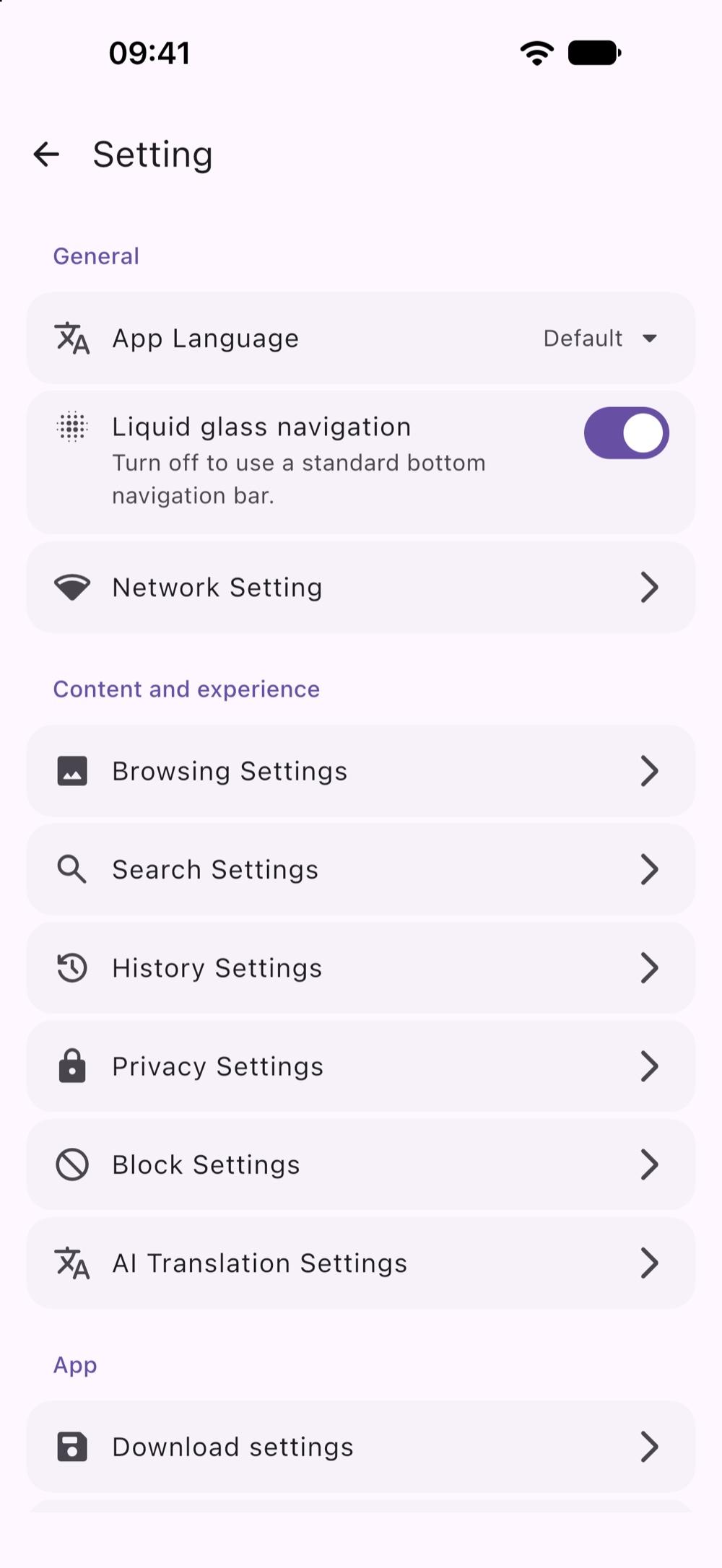
  • Liquid glass navigation
  • Blocking
  • Deep links
  • Backup & restore
  • Keyboard shortcuts
  • Pagination

Features

Artworks, series and novels
all in one app

From your home feed to the rankings, from ugoira to long-form novels, PiPixiv makes every part of browsing Pixiv quick and comfortable.

Recommended, ranked, new

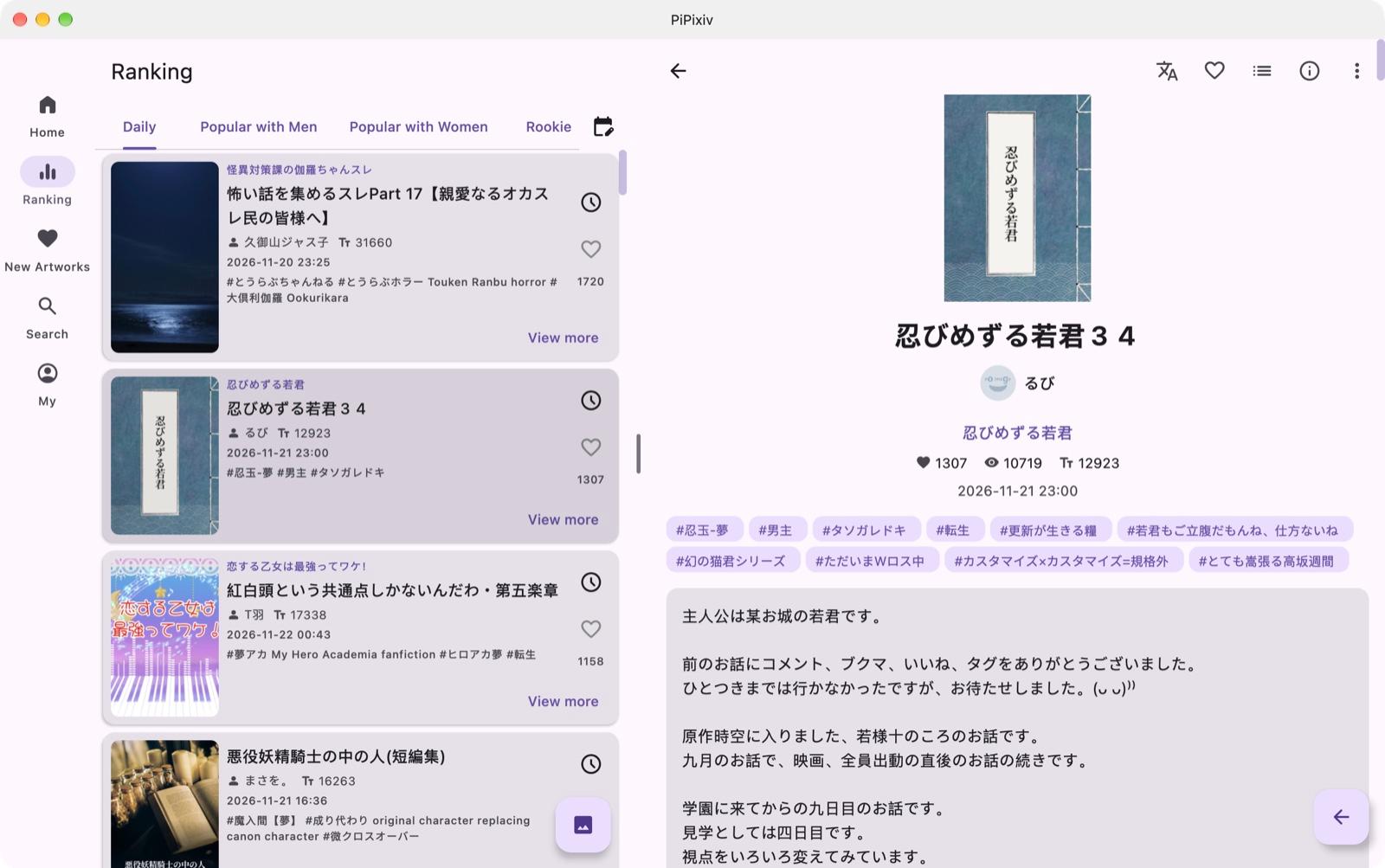
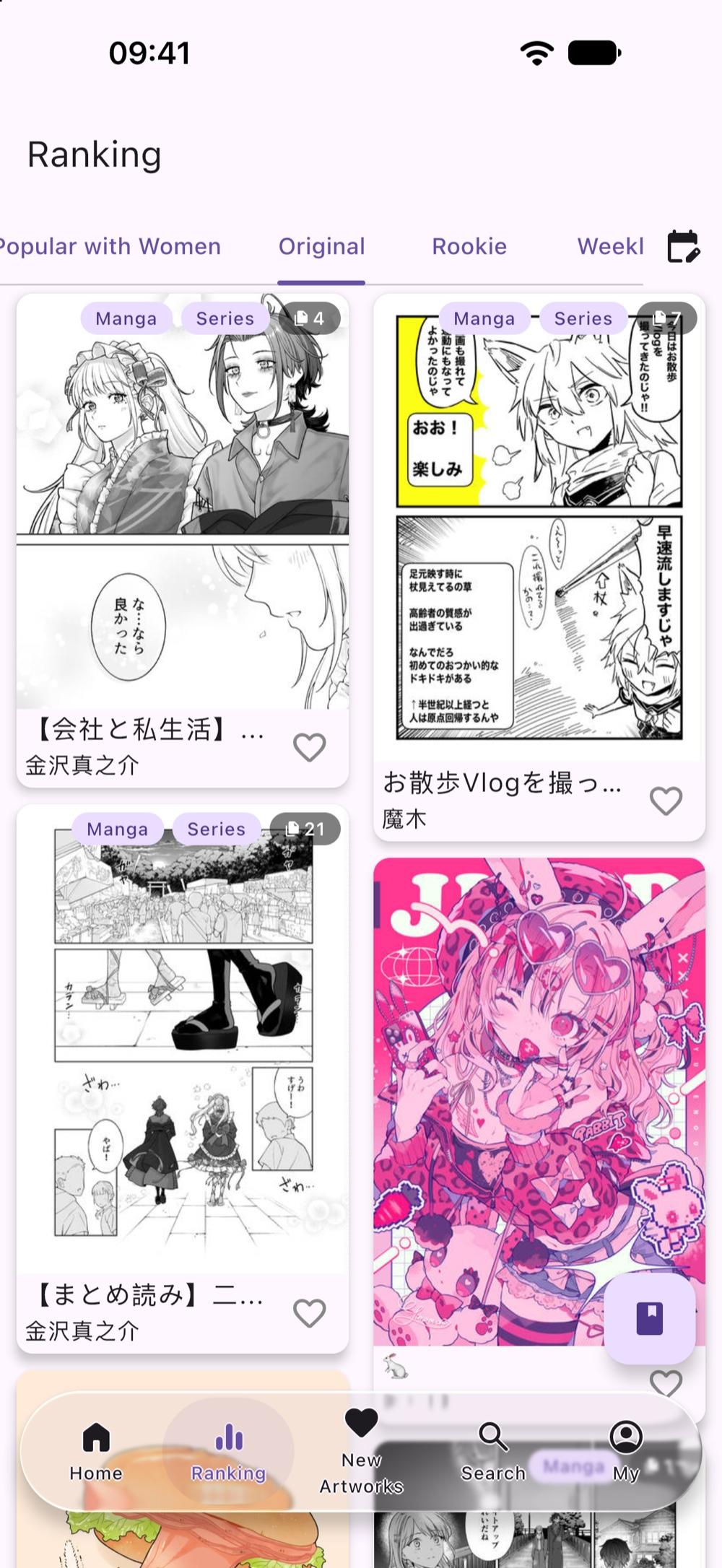
A personalised masonry feed on the home screen and latest works sorted by discovery, bookmarks and follows. Rankings cover daily, weekly, monthly, popular with men and women, original, rookie and AI-generated, including past dates.
Illustrations & ugoira

Multi-page works and ugoira animations just work. Pick the preview quality, zoom freely, download originals or export GIFs, and batch-download multi-page works with your own file names.

AI novel translation

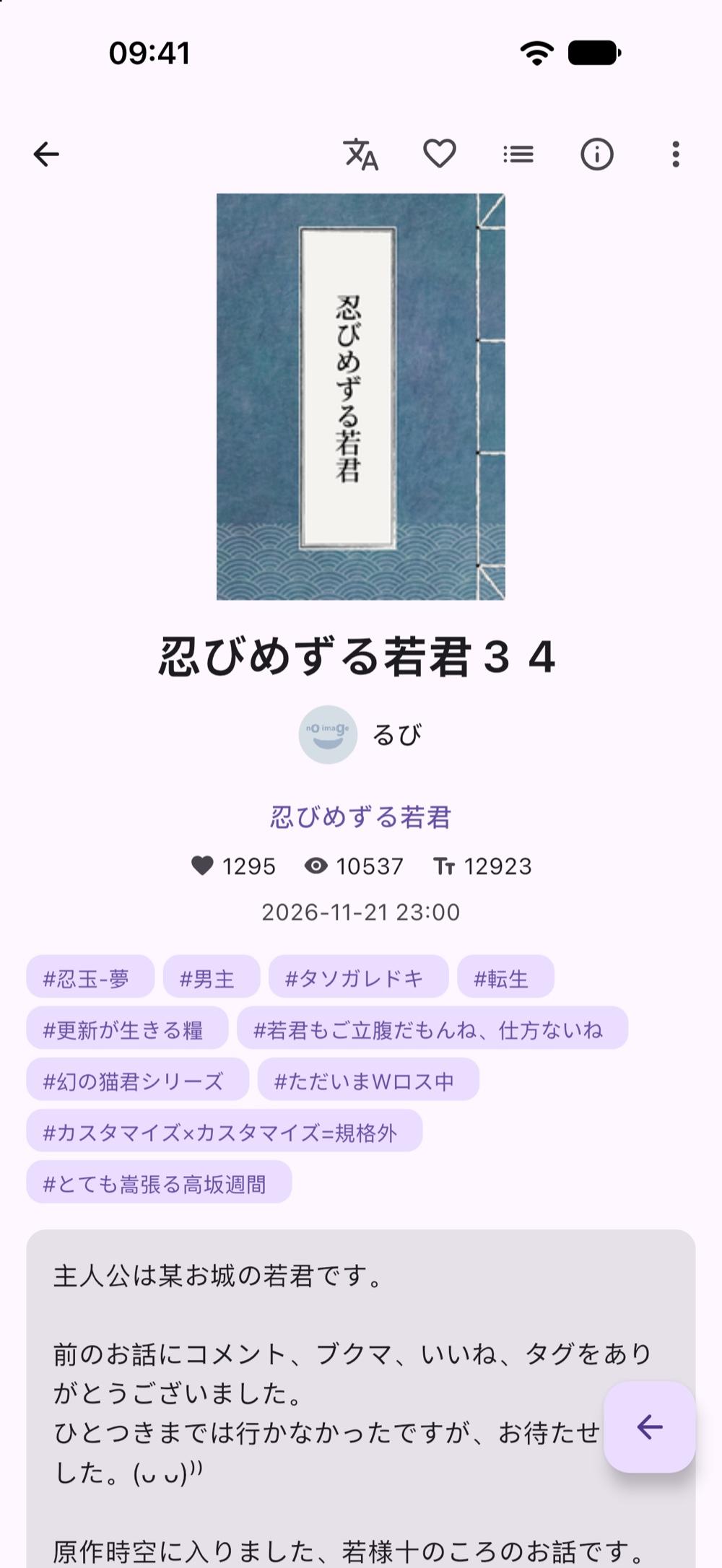
Works with OpenAI, Claude, Gemini and compatible APIs, including services on your local network. Translations stream in, are cached locally and can be toggled with the original. Read-later items can be queued for translation.

Immersive novel reader

Adjust font size and line spacing, drag the scrollbar to jump around, and keep your place while changing the layout. Progress is saved automatically, series pick up where you left off, and bookmarks and TXT export are built in.

Switch accounts instantly

Add, switch or remove accounts under Settings → Switch account. Browsing history, search history, read-later and reading progress are kept per account.

Network check

System proxy, direct connection or manual HTTP / SOCKS proxy, plus ECH on Android and desktop. A built-in check pinpoints what is blocking your connection.

Privacy & blocking

Control R-18 content and clipboard access, block works, users and tags, and filter overly long novel tags. Anonymous usage statistics can be turned off at any time.

Search & discover

Search illustrations, novels and users, sort by popularity or date, and filter AI works. Scroll continuously or jump between pages; long-press a tag to bookmark or copy it.

Your data, your control

Browsing history stays on your device and can be searched, cleared or pruned automatically. Back up and restore app data, retry pending items after an upgrade, and read local logs anytime.

Interface

Just as polished in your hand

Android and iOS share the same interface, built on Material 3.

  • Material 3 design
  • Light & dark themes
  • Multilingual
  • One interface on Android & iOS
The original rankings in PiPixiv

Big screen

Big screens get more than a bigger phone

From 600dp the app switches to a navigation rail, and from 840dp the feed and artwork details sit side by side with the full image. The desktop app also works from the keyboard.

Download

Choose your platform

Every build is produced by GitHub Actions and published on GitHub Releases.

Latest v2.7.0released November 22, 2026Changelog

Open source

Open source,
engineered with care

PiPixiv is open source under the Apache-2.0 license. A single Kotlin codebase runs on five platforms through Compose Multiplatform. Issues, feature ideas and pull requests are welcome.

GitHub stars
296
Downloads
18,484
Platforms
5
License
Apache-2.0
  • Kotlin
  • Compose Multiplatform
  • Material 3 Expressive

FAQ

Frequently asked questions

Is PiPixiv an official Pixiv app?

No. PiPixiv is a community-built, open-source third-party client with no affiliation to pixiv Inc. You sign in with your own Pixiv account, and every artwork belongs to its creator.

Does it cost anything?

No. PiPixiv is free and open source, with its source code on GitHub under the Apache-2.0 license.

How do I sign in?

Sign in with your Pixiv account (OAuth), or with your web session cookie (PHPSESSID) without copying tokens by hand. Add and switch between accounts under Settings → Switch account.

How do I install the iOS app?

Releases include an IPA file, which you install with a sideloading tool such as AltStore or SideStore. iOS 18 or later is required.

I can't connect to Pixiv. What can I do?

Under Settings → Network you can switch between system proxy, direct connection and a manual HTTP / SOCKS proxy, use ECH on Android and desktop, or set a custom App API proxy domain. The network check tests DNS, the Pixiv API, the website, login and image downloads one by one to find the problem.

Where can I report problems?

Open an issue on GitHub Issues. New releases and announcements are posted to the Telegram channel @PiPixivChannel. Copying the logs from Settings → About → App logs into your report helps a lot.

Start exploring Pixiv today

Free and open source, on Android, iOS, Windows, macOS and Linux.